
Dies ist eine alte Version des Dokuments!
Inhaltsverzeichnis
LA.Net 3 FAQ: Inscriptions en ligne aux concours étrangers
General Information
With LA.Net 3, you can register for events abroad, provided the organizer has configured it accordingly.
As a user from Germany, Luxembourg, or the Netherlands, you can register for events in these other countries if the competition allows „international registration.“
In this case, you can register the athletes you have access to (e.g., those from your club) as if the event were taking place domestically.
Users from countries where master data is not available in LA.Net 3 (e.g., France or Belgium) can also register athletes for events in LA.Net 3.
All you need is an account in LA.Net 3. After creating one, you can register yourself or other athletes.
The necessary steps are described below:
Create an Account
Open https://lanet3.com and klick „Sign Up“
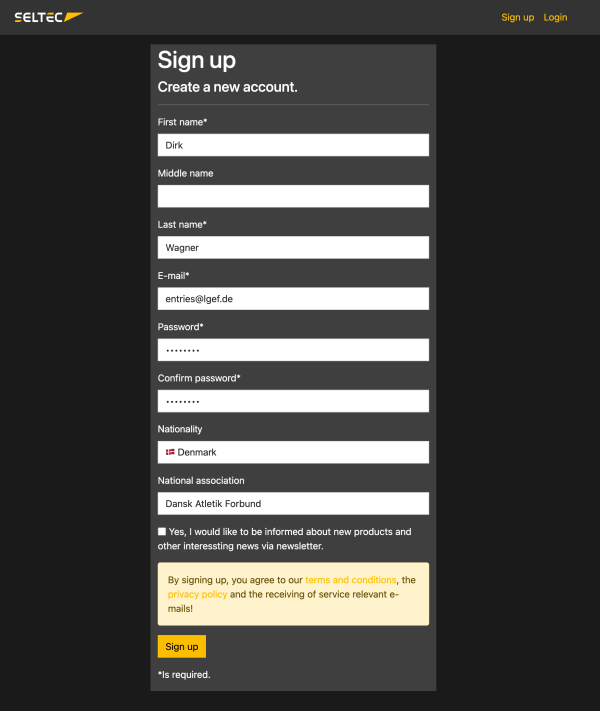
After you have entered your information, click „Sign Up“ again in this window.
The system will now send an email to the address you provided to ensure you have access to it. If you do not receive the email within a few minutes, please check your spam folder.
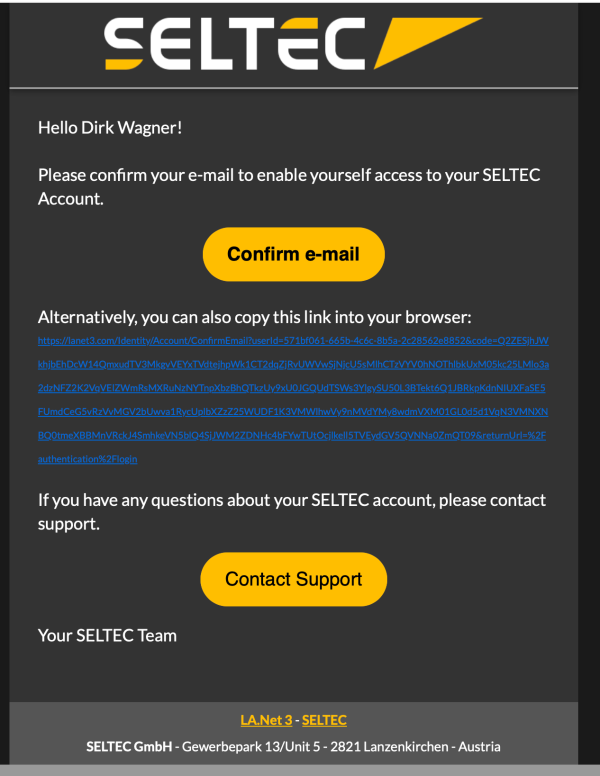
Click „Confirm Email“ in the email. If the action was successful, you will be redirected to a page in LANET3 confirming your registration.
Now you can log in to the system using the „Log In“ button.
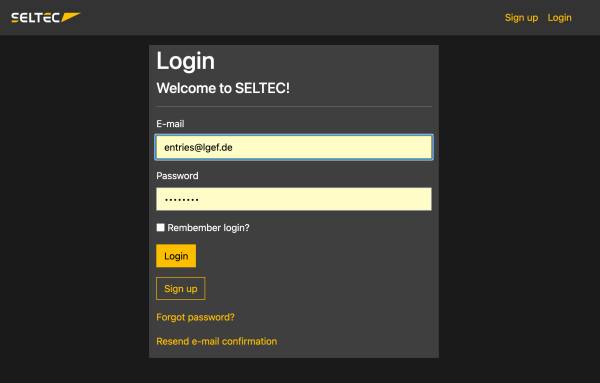
Choose Your Competition
Once you have logged into the system, you will see the link to the event calendar on the left side of the menu bar:
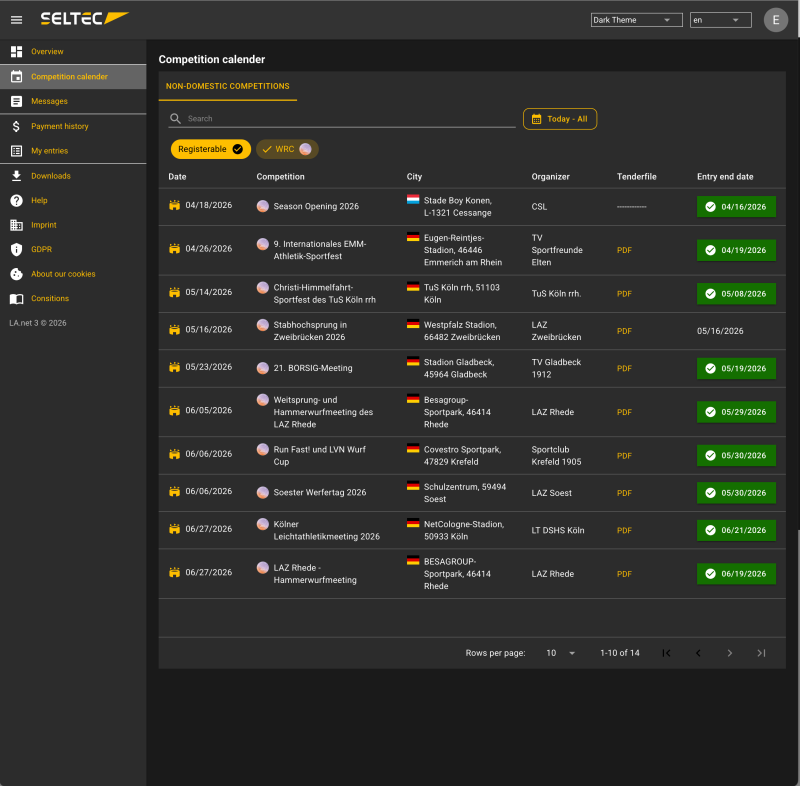
Here you will find all events that the organizer has opened to the registration of foreign athletes.
Click on an event to see the details:
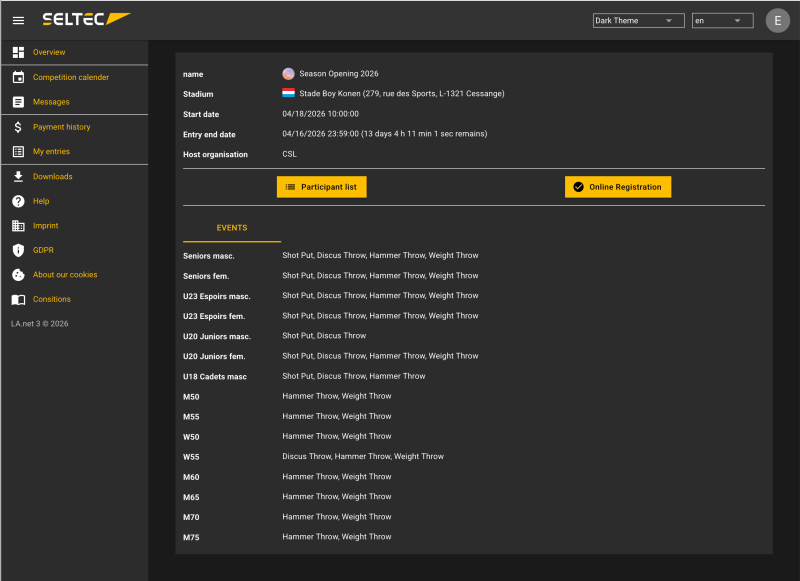
Register yourself
To register an event, click „Register Online“ in the competition details.
This will open an overview of the registrations you have already submitted for this competition.
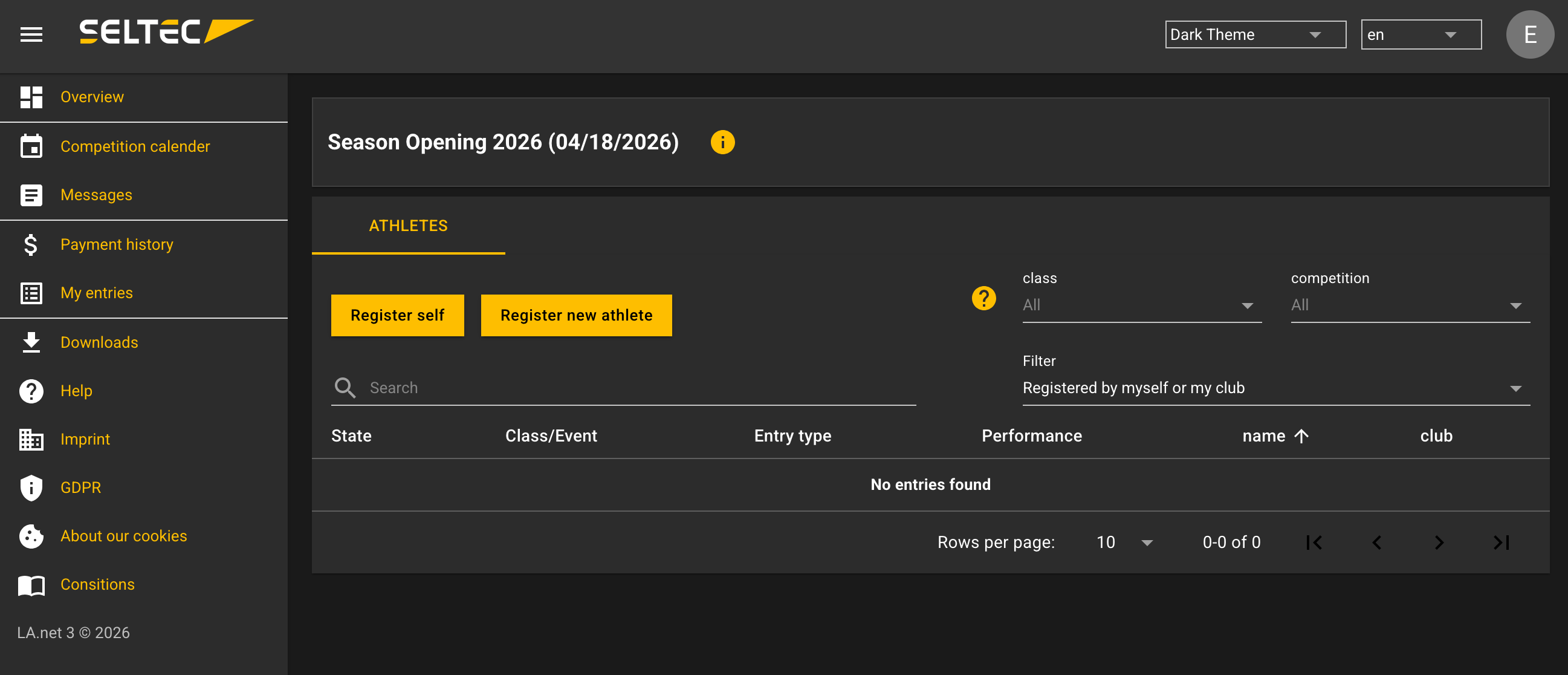
To register yourself, click „Register Yourself.“
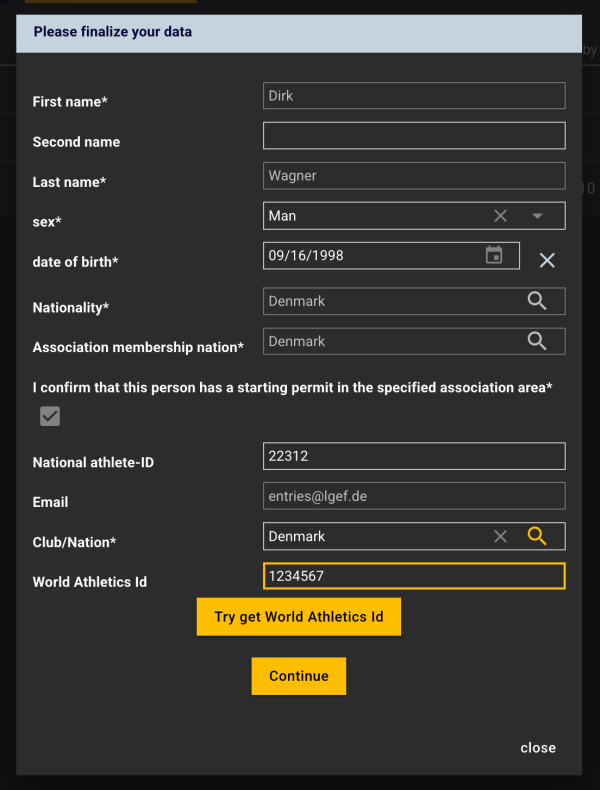
First, you need to complete your personal information.
If you know your WA ID, you can enter it and use it to update your information.
Next, you will see the events available for registration in your age group:
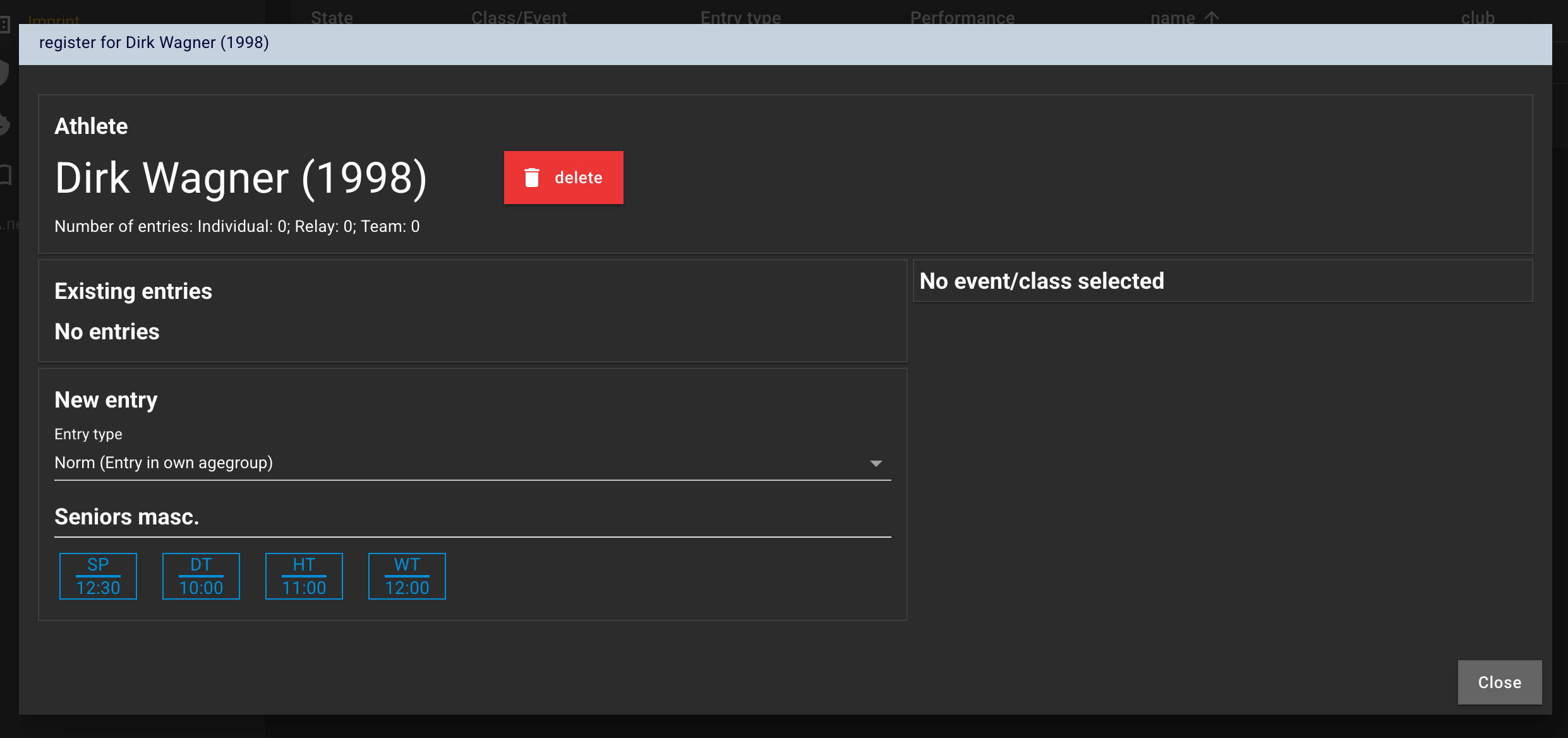
If you change the registration type here (from „normal“ to „OK“), you will also be offered events in other age groups for which you can register.
The organizer can, for example, globaly allow U20 athletes to compete in a men's events… If he did, you can so so as well, if you select „OK“.
Click on one of the events to submit an entry for it.
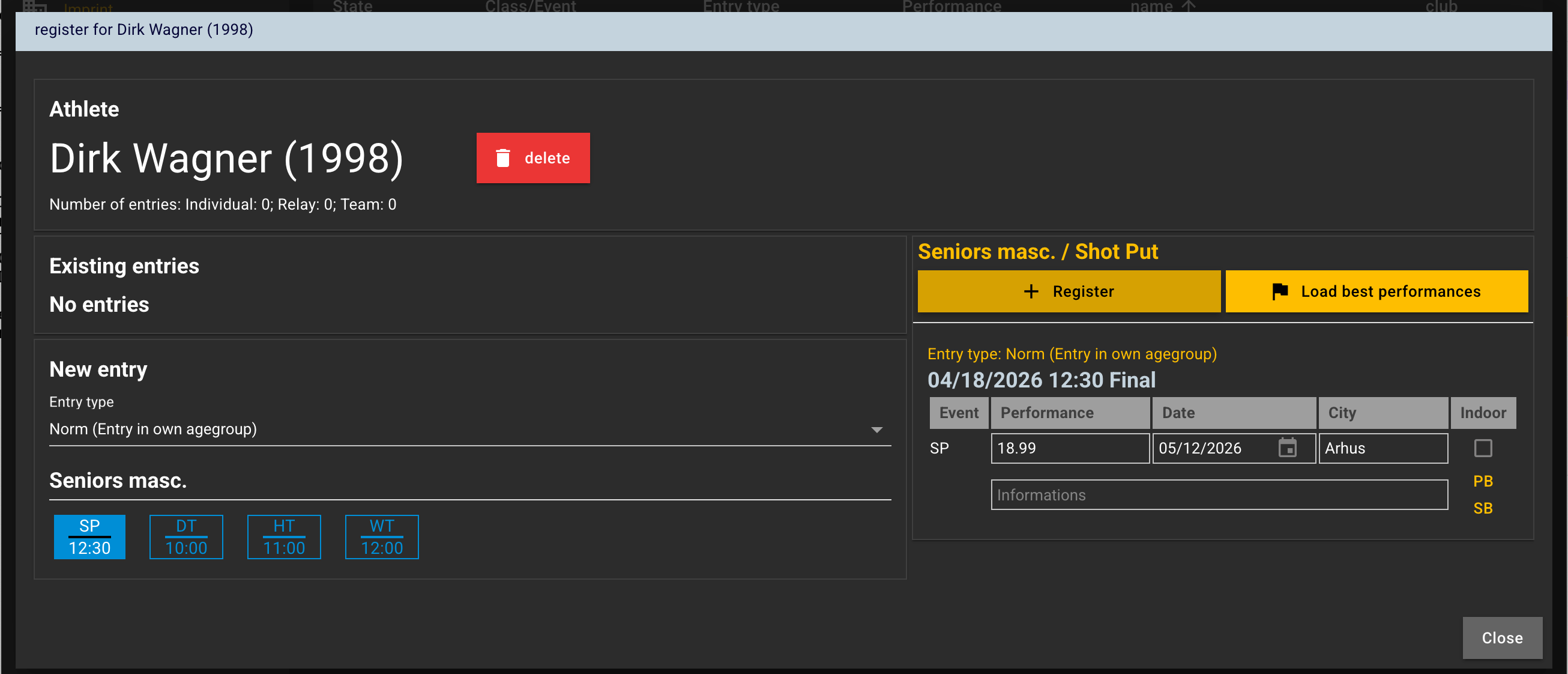
On the right, you can then enter details for the entry or retrieve them from the WA database.
If the information is correct, click „+ Submit“ and the entry will be saved.
The event will then be displayed on the left among the existing entries.
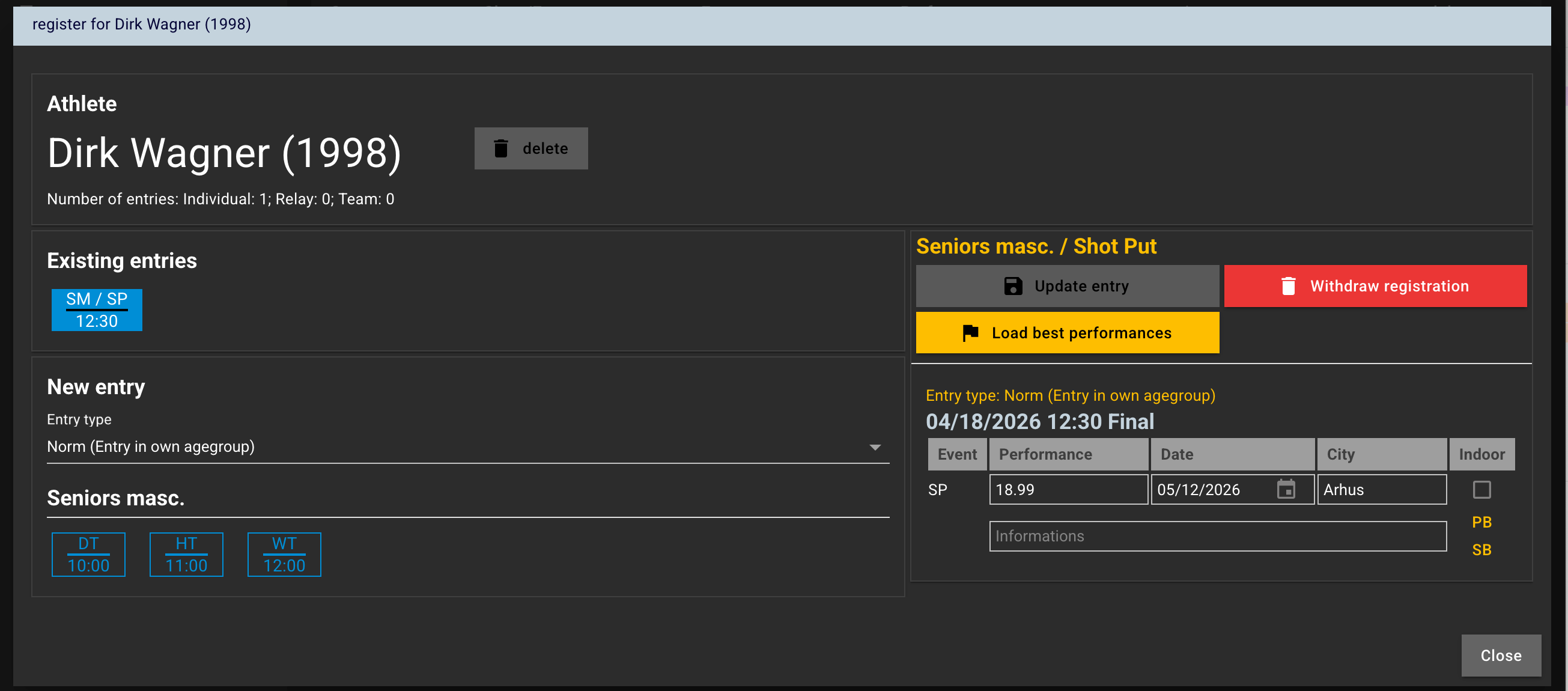
If you select an entry there, you can edit it (until the entry deadline).
Placing an Entry for Another Person
Placing an entry for another persons, works exacly the same You only have to deliver this persons data in advance
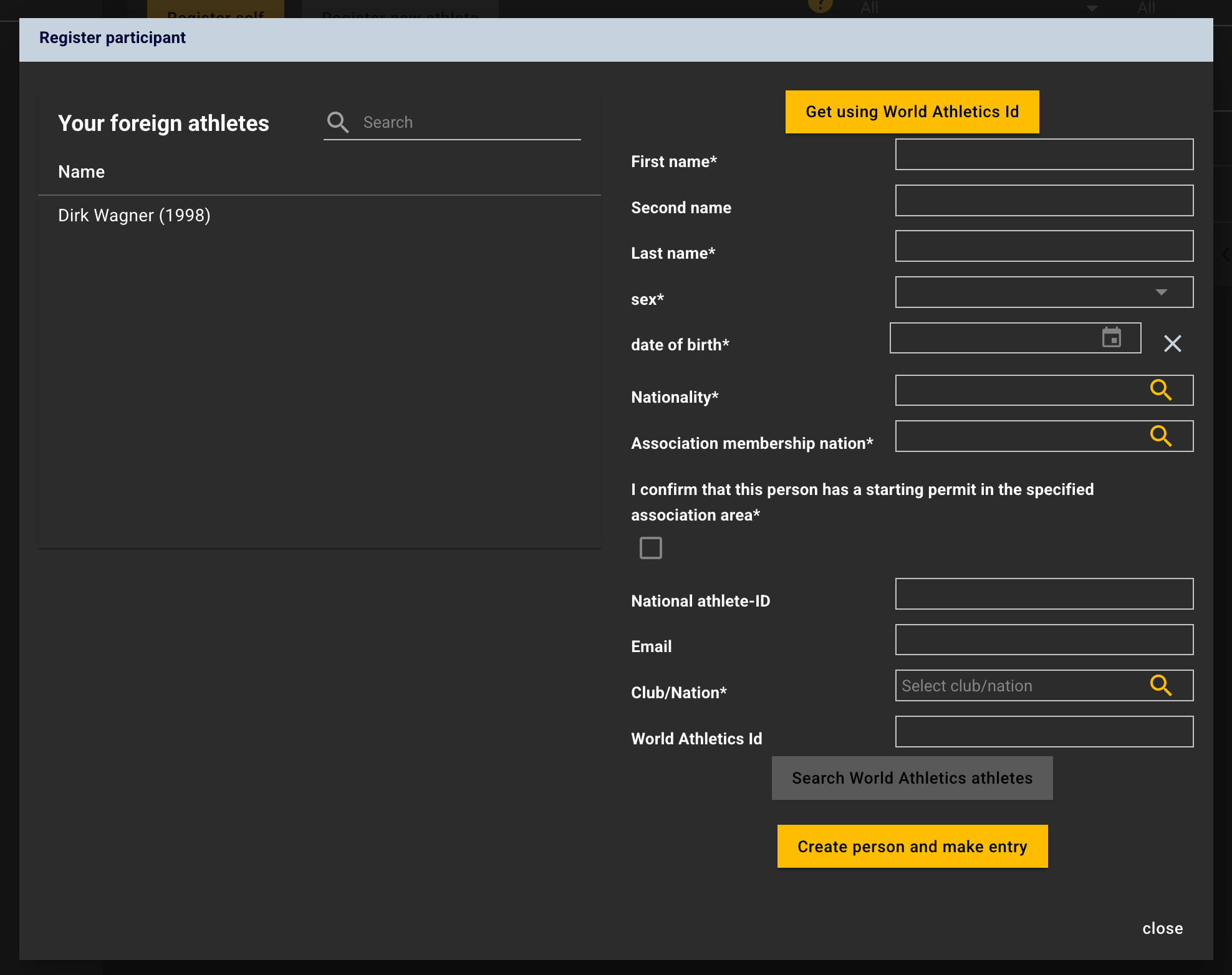
— Dirk Wagner 06.04.2026 12:34